Your accounting file
Optional. If you load one, the portal compares what you counted against what your accounts say.
Plenty of companies never load one and hand the counts back to their own system instead. If that is you, answer No when you create the stocktake and skip this page.
Which export, and what it can answer
This is the only decision that matters, and the portal asks it when you create the stocktake — before you go and fetch the file:
| Your export has | The portal can report |
|---|---|
| part number, site, quantity | each site against its own figures, and the company total |
| part number, quantity | the company total only |
| part number, bin location, quantity | per bin as well — rare, most systems hold no bin at all |
Ask your accounts for a site column if they can produce one. It is the difference between knowing a part is short, and knowing which warehouse it is short at.
A file with no site column is one figure for the whole company. Read against a single warehouse it is short by everything the other warehouses hold, so the portal does not offer a per-site answer from it at all — only the company one.
It also means every site has to be counted and finished together. A company total compared against a site that is still counting reads as a shortfall that is not there.
One file, loaded once
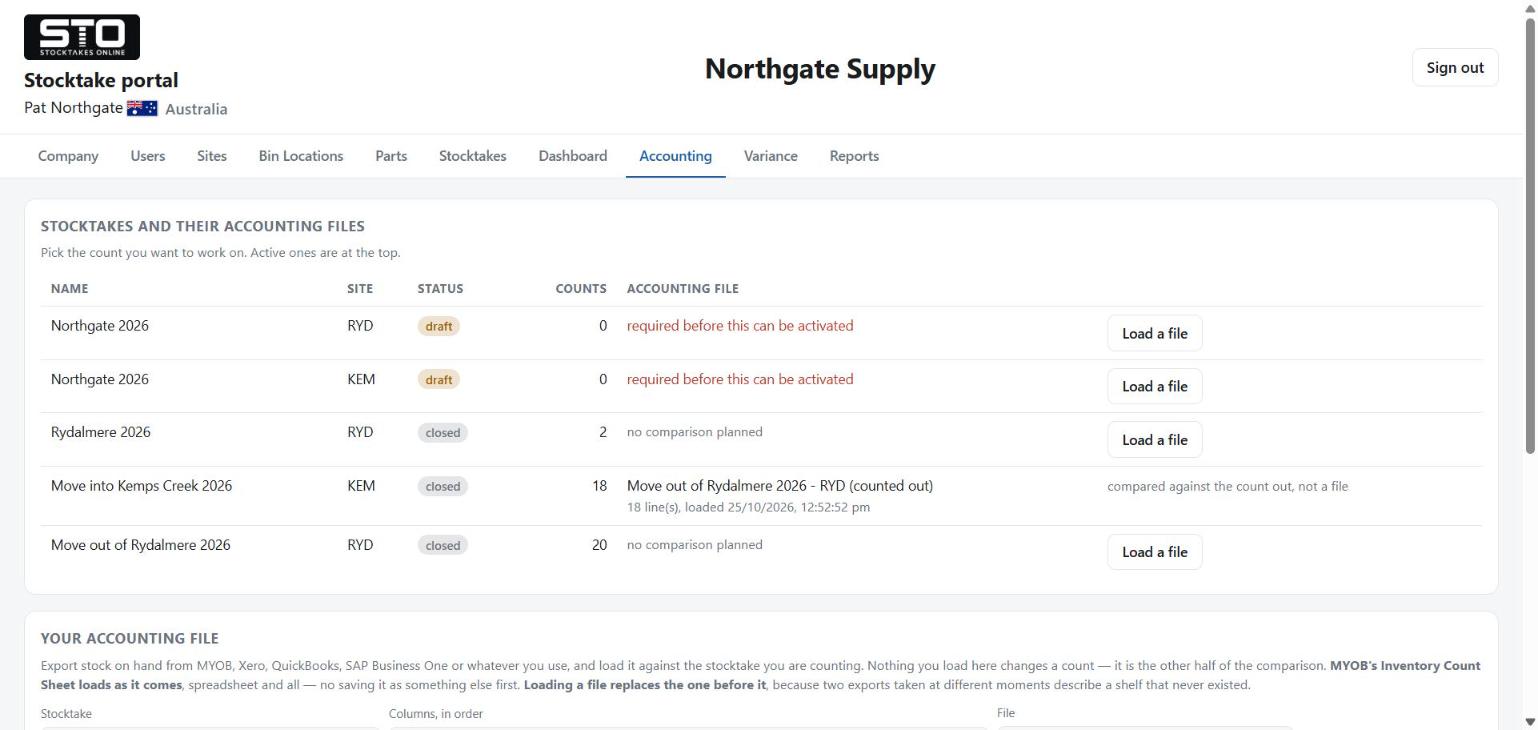
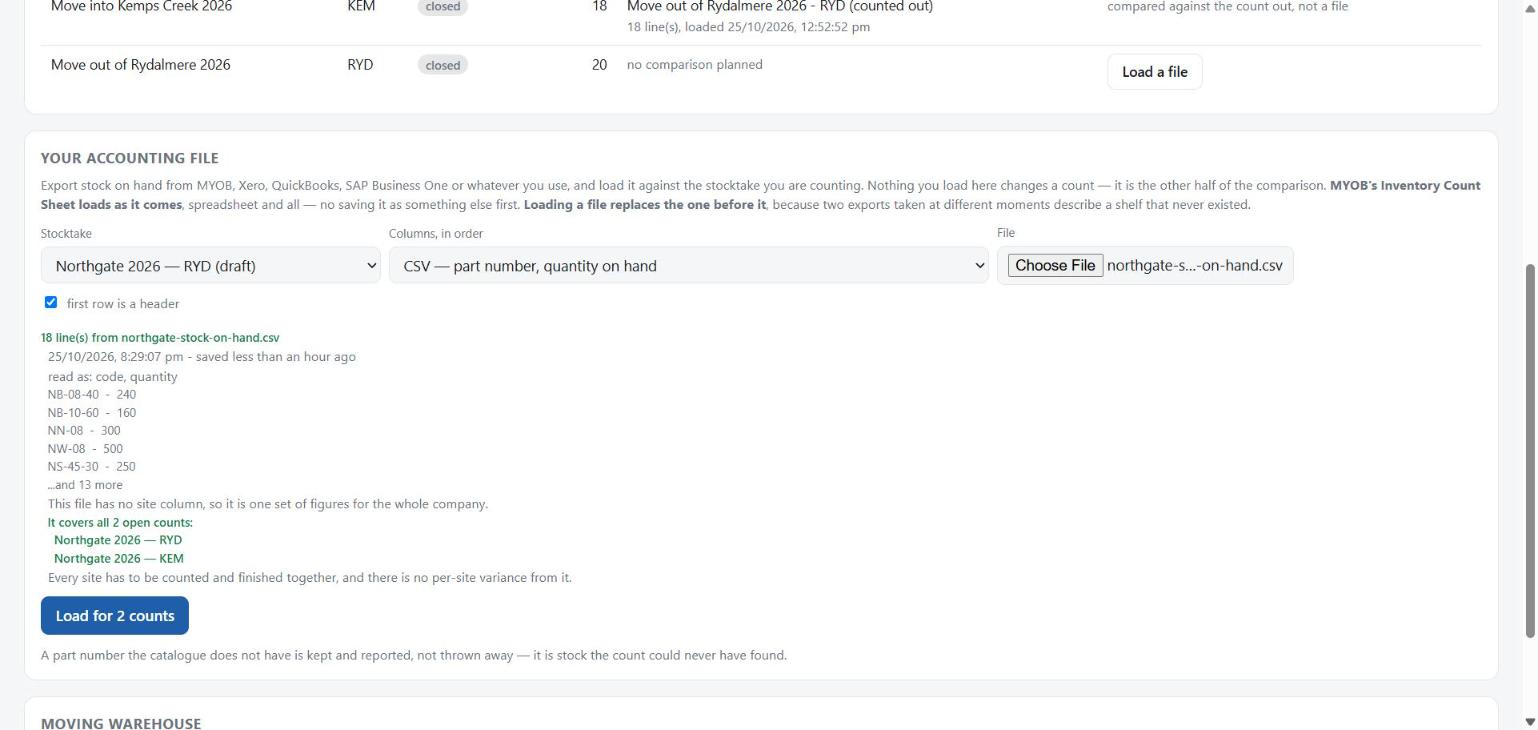
You load one file however many sites you are counting. The portal works out what it covers and says so before you load it, naming every count it will apply to:
This file has no site column, so it is one set of figures for the whole company.
It covers all 2 open counts:
    DAL-DC-Count2 - DAL
    COL-DC-Count2 - COL
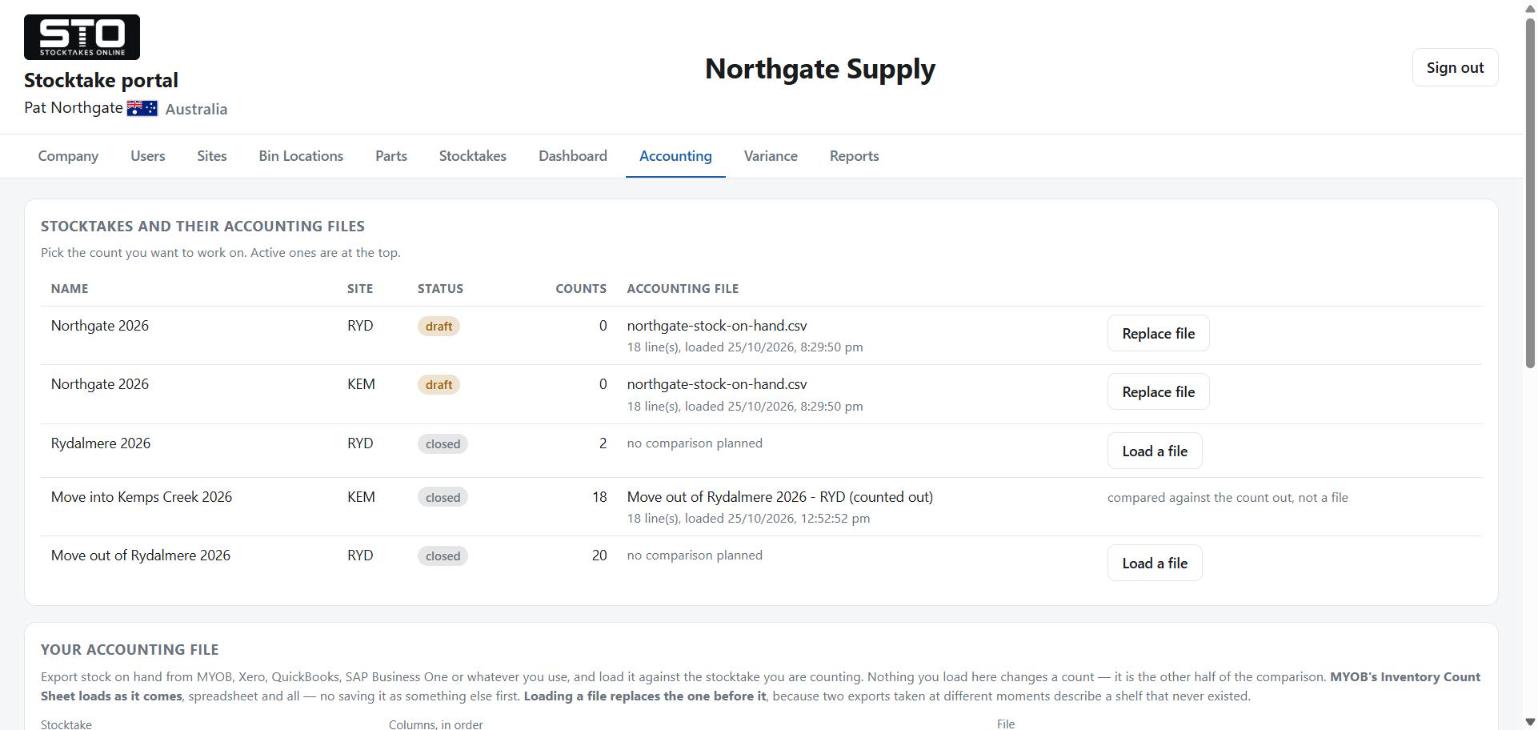
Loading a second file replaces the first — it is not added to it — because two exports taken at different moments describe a shelf that never existed. Before it does, the portal names every count that is about to be overwritten and what each is holding.
When to export it
At the moment you stop moving stock, and not before. A file saved a week earlier will report every sale and every delivery since as a variance that is not real. The portal tells you how old the file is when you pick it, and says so plainly when it is stale.