Running a stocktake
Create, activate, count, close.
Create
On the Stocktakes tab, under Start something new, press A stocktake. Then three questions:
- What are you counting? One site, or every site — which creates one draft at each, all under the same name. The shared name is what says three warehouses are one counting event.
- Compare against your accounts? If yes, the stocktake cannot be activated until the file is loaded. That is deliberate: it is the only way to be sure the comparison happens, rather than being discovered missing afterwards.
- Which export is it? See Your accounting file.
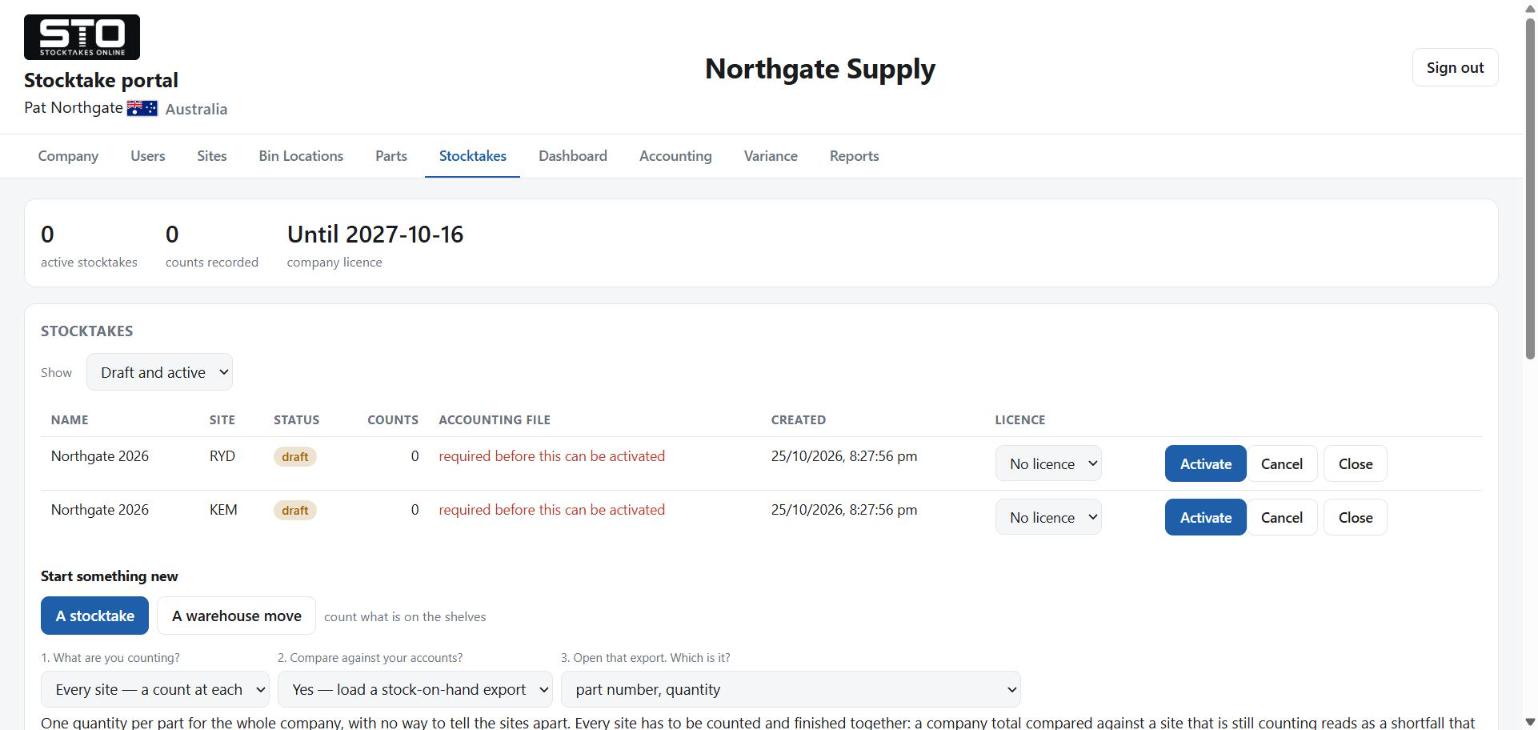
A new stocktake is a draft. Operators cannot count into it yet.
Activate
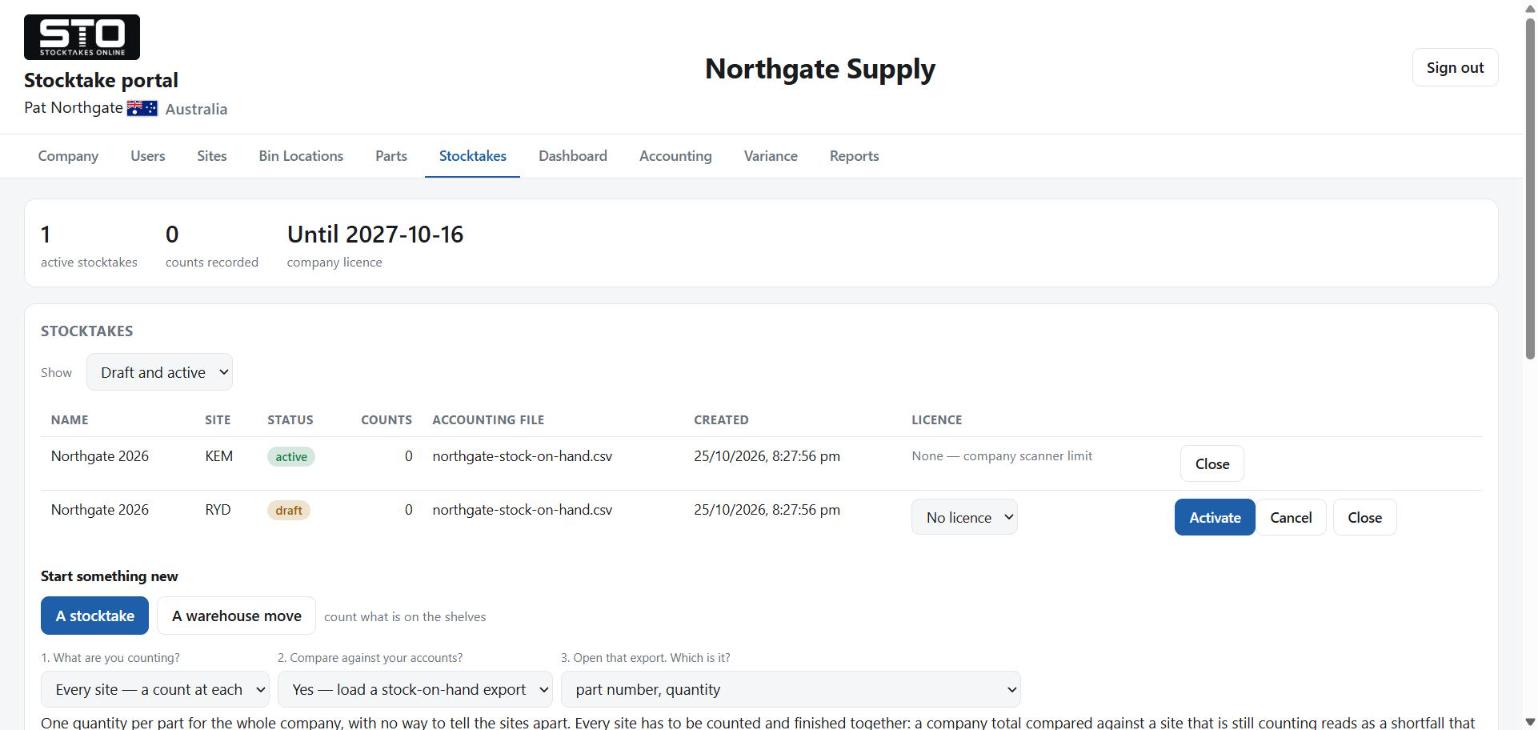
Activating opens the site for counting. The scanner re-checks what is active every time somebody taps Stocktake, so it takes effect immediately — there is nothing to restart and nobody to tell.
A draft that was never counted into can be cancelled. It stays in the list as cancelled rather than being erased, so a count that never happened is never mistaken months later for a count that found nothing. A draft with counts on it cannot be cancelled, because by then it is a record.
Count
You can watch it happen. Counts appear on the portal as they are made, with who made them, on which scanner and in which bin.
Counts accumulate: the same part may be counted several times in the same bin, because it can genuinely sit in two places in a big one. The scanner asks the operator whether a repeat is an addition or a correction, rather than guessing.
Adding a missed part or bin mid-count
Normal, and safe. Make a file with the one part in it and load it with Add and update. See Parts and bin locations — the important thing is not to use Replace everything, which is switched off during a count for exactly this reason.
Close
Closing stops operators counting at that site, so the portal first tells you what you are about to interrupt: bins nobody reached, scanners still holding a slot, and when the last count arrived.
Marking the remaining bins empty is a step before the close, so somebody decides about them rather than finding the gap in next week's report. A bin checked and found empty and a bin nobody visited are different answers.
Every scanner back in its cradle before you close. Two of them, four of them, twenty of them — all of them, on charge, where you can see them.
It is the only check that cannot be wrong. The portal can tell you which bins were reached and when the last count arrived, but it cannot tell you that somebody is halfway down an aisle with a full hand and a scanner that has not been fired for six minutes. An empty cradle can. Count the scanners, not the screen.
Closing reaches out and stops those people working. An operator mid-aisle is told there is no stocktake at their site, with no way to hand in what they were about to save.
Counting a warehouse move
A move is a job of its own on the portal — A warehouse move beside A stocktake under Start something new — and it has its own page in this manual, as a flow chart in the portal's own step numbers: Moving a warehouse.
The count that empties the old warehouse is a stocktake in its own right. Every part, every bin, counted by people who are handling the stock anyway. Compare it against your accounts and you get the ordinary variance as well. It is the same counting, answering two questions.