Setting up
Company, sites, users and scanners. Done once, weeks before anybody counts.
Sign in at app.stocktakesonline.com.au. A company is created for you with one administrator; everything below is on the tabs across the top.
Sites
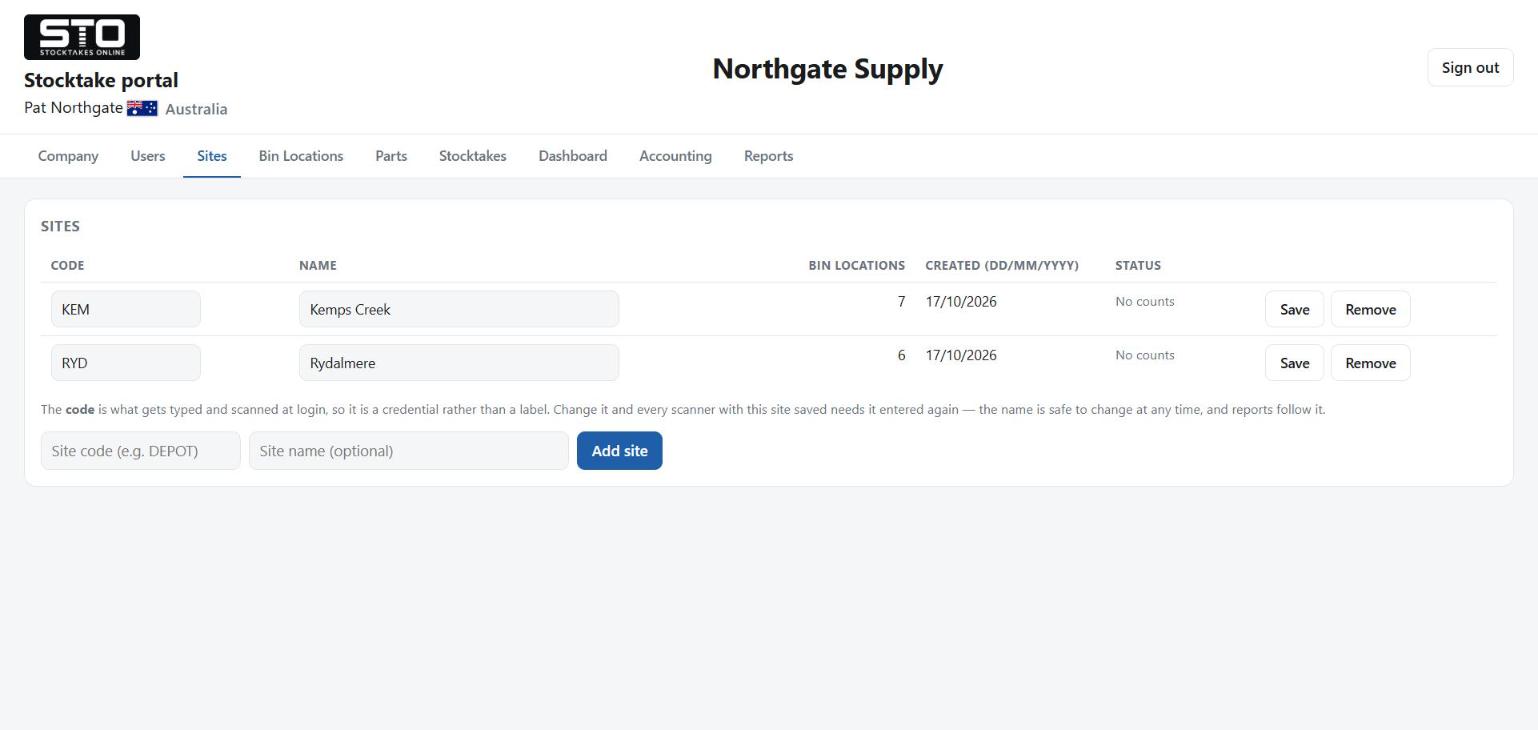
A site is a warehouse. Its code is typed on the scanner at sign-in, so
keep it short and unambiguous — COL, DAL,
MAIN. Bin locations belong to a site; parts do not.
Users
Three roles, and the difference is what somebody may do, not what they may see:
| Role | Signs in with | Does |
|---|---|---|
| Operator | a short scanner name and a four digit PIN | counts on a scanner, nothing on the portal |
| Portal user | email address and password | reads the reports, changes nothing |
| Admin | email address and password | everything: data, stocktakes, users |
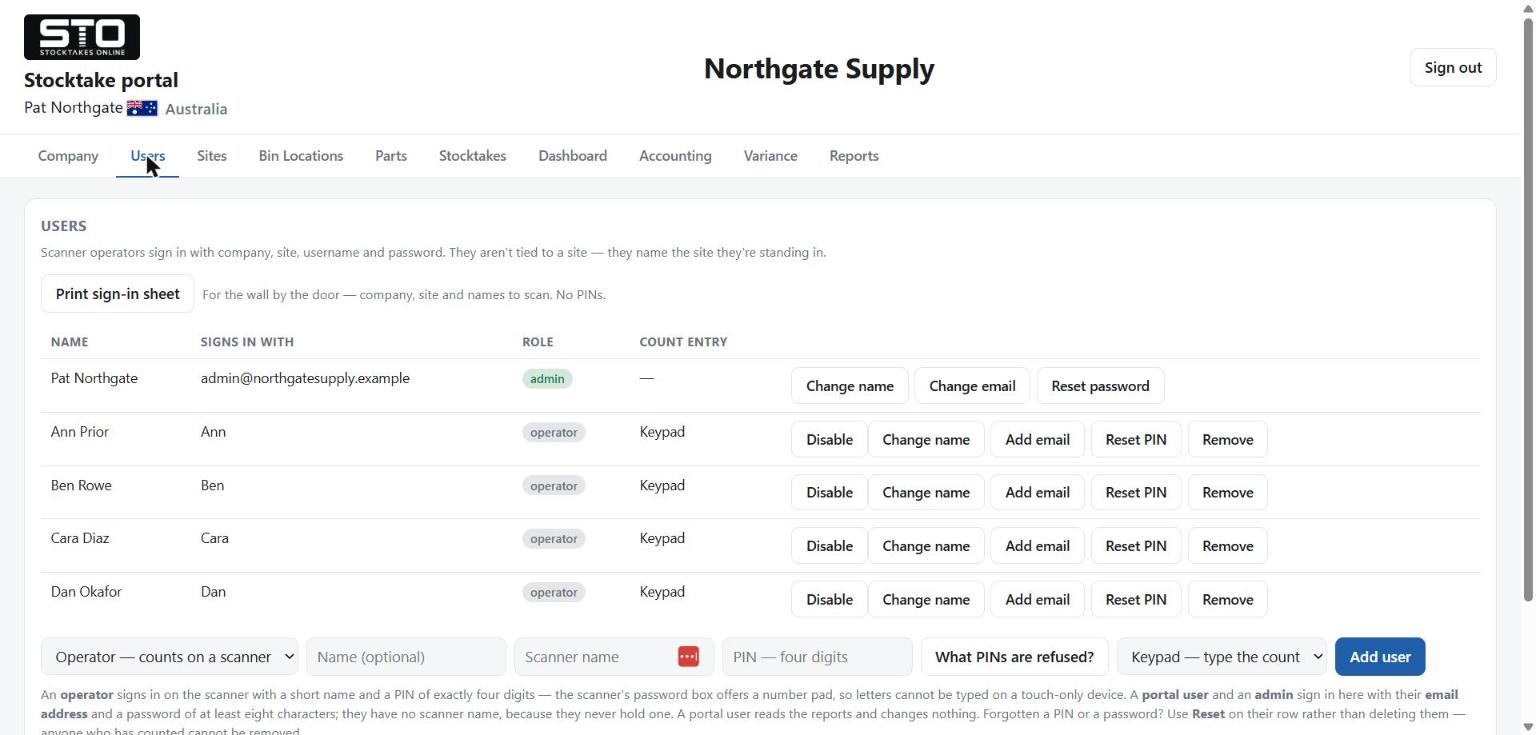
Usernames are unique within your company only, so two companies can both have
an Andy. The company name and site code typed at sign-in are part of
the credentials, not labels.
Print the sign-in sheet from the Users tab and put it on the wall by the door. It carries the company, the site and the names to scan. It never carries PINs.
One login per person. If one name is counting on two scanners at once the portal says so on the Stocktakes tab. Nothing is counted twice and it costs nothing extra — but the by-operator report is then crediting the wrong person, which matters when you are deciding who to put where next year.
Scanners
A scanner claims a licence the first time it counts and holds it until it is released. Moving a scanner to another site does not use a second licence: the portal recognises the same device and moves the claim with it.