What was counted
Totals by bin, by site and by company, live while the count is still running — not assembled afterwards from sheets of paper by somebody with a calculator.

Warehouse stocktaking · racking · high scan volume
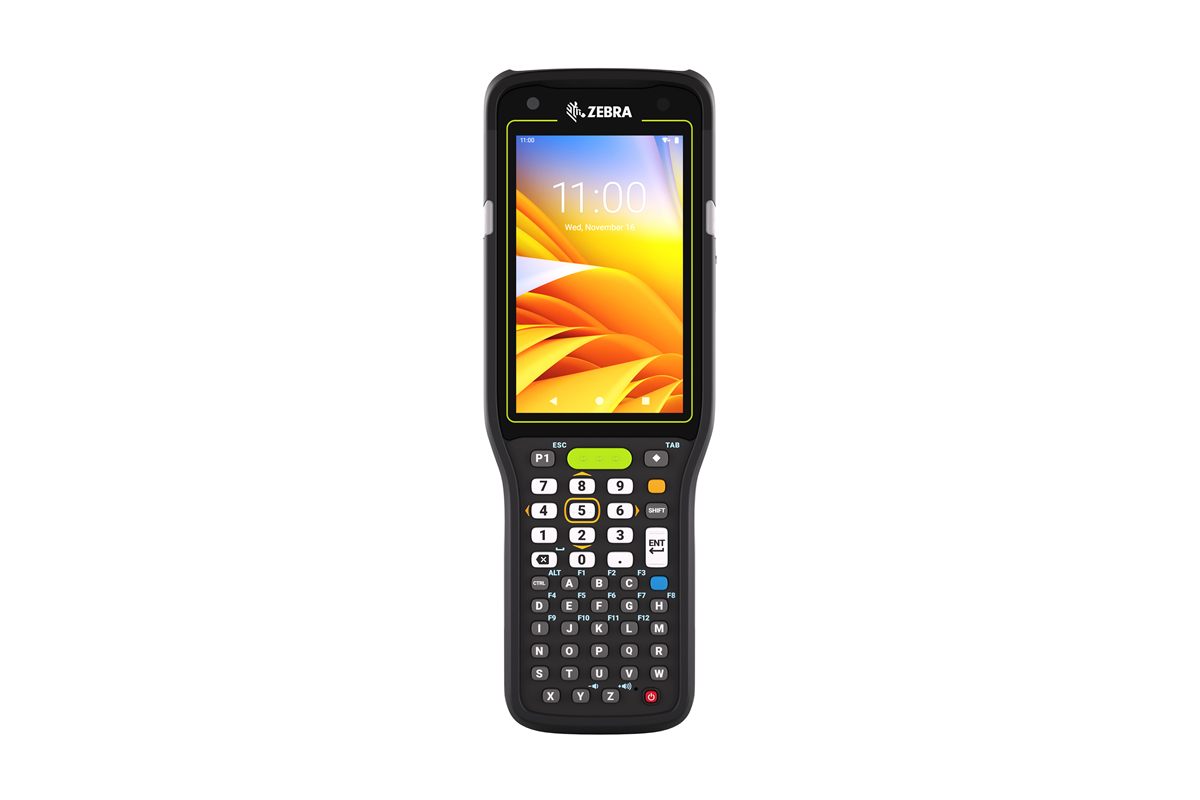
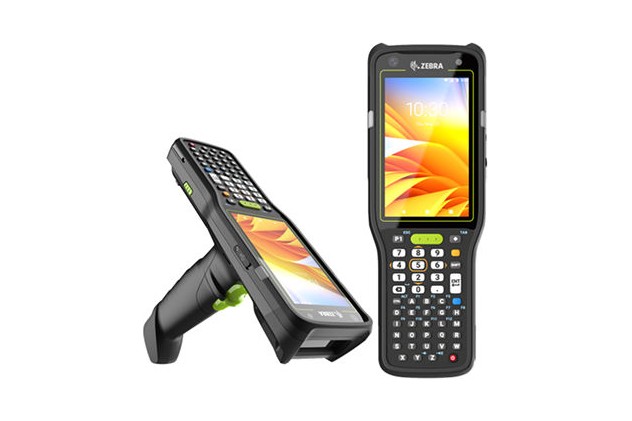
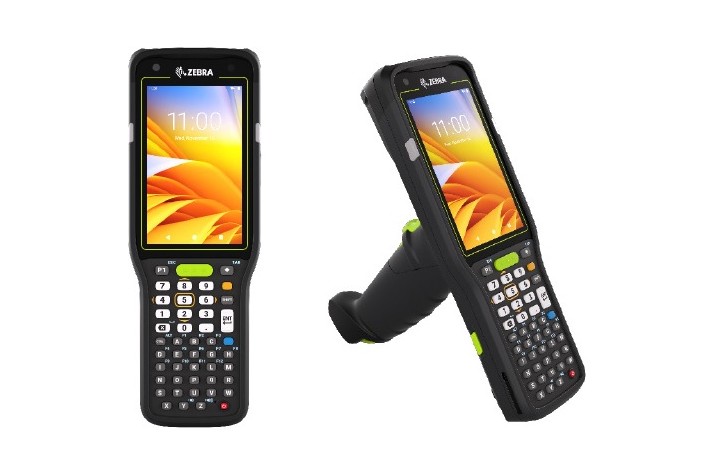
This is the shape most people picture when they think of a warehouse scanner: a pistol grip, a trigger under the index finger, and a numeric keypad under the thumb. The design has survived decades because it is the right answer for the job.
A gun grip lets the operator scan without raising the whole device to eye level, and the keypad means a quantity is typed by feel — with gloves on, without looking away from the shelf.
This is the device Stocktakes Online was built and proven on. Every design decision in the app assumes this hardware: the scan fields auto-focus and submit on the scanner's trailing Enter, quantities are typed on the keypad, and nothing needs a second hand.
It is also the device Scan/Increment was written for. On a rail of identical stock, each pull of the trigger counts one, with no quantity step at all — and the running total for that part in that bin sits on screen as you work.
A summary, not a specification. Zebra's own datasheet below carries the detail, and we confirm the exact variant, scan engine and accessories when we quote.
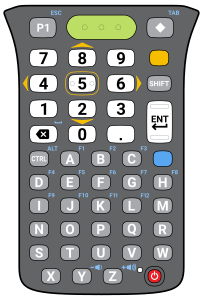
The one we stock, and the one both kits below are priced with. The numbers sit in their own block at the top — big, phone-shaped, and typed by feel, so an operator counting a bay never has to look down. The letters are underneath for the day a label has been rubbed off and a part number has to be keyed by hand.
Zebra make this device with other keypads. We do not carry them, because in a stocktake the day you need a letter you need it badly.
Product photography supplied by Zebra. We will add pictures of these in our customers' warehouses as counts are completed.
A scanner on its own cannot finish a stocktake — there is nothing to charge it in and nothing to swap when the battery goes. Each of these is everything one operator needs, working, out of the box. They differ in one part: the scan engine.
Which one? Standard range reads what is in front of you and on the shelf above. Extended range reaches the labels on the top beam of high racking from the floor — worth two hundred dollars the first time it saves fetching a ladder, and nothing at all if every bin in your building is within reach.
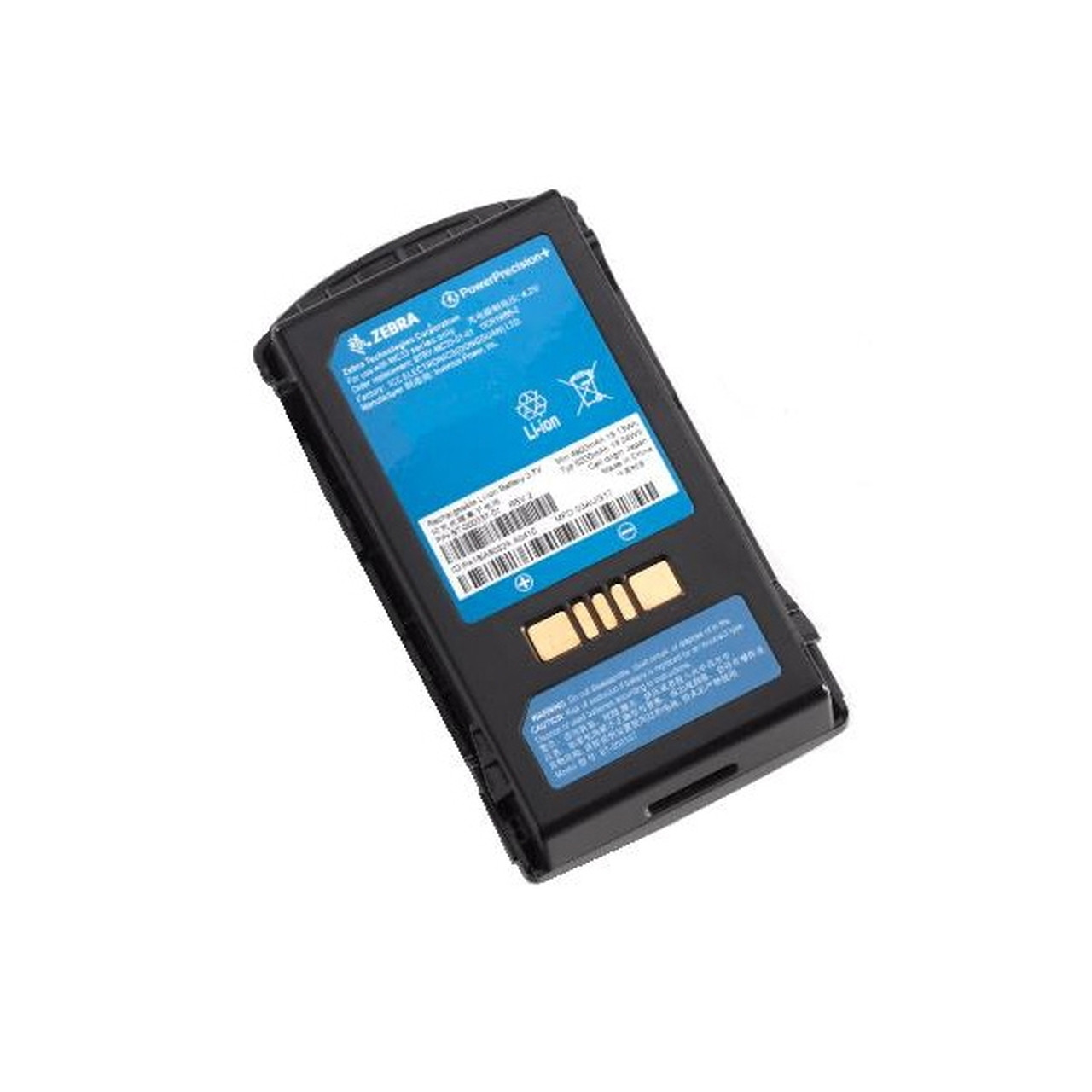
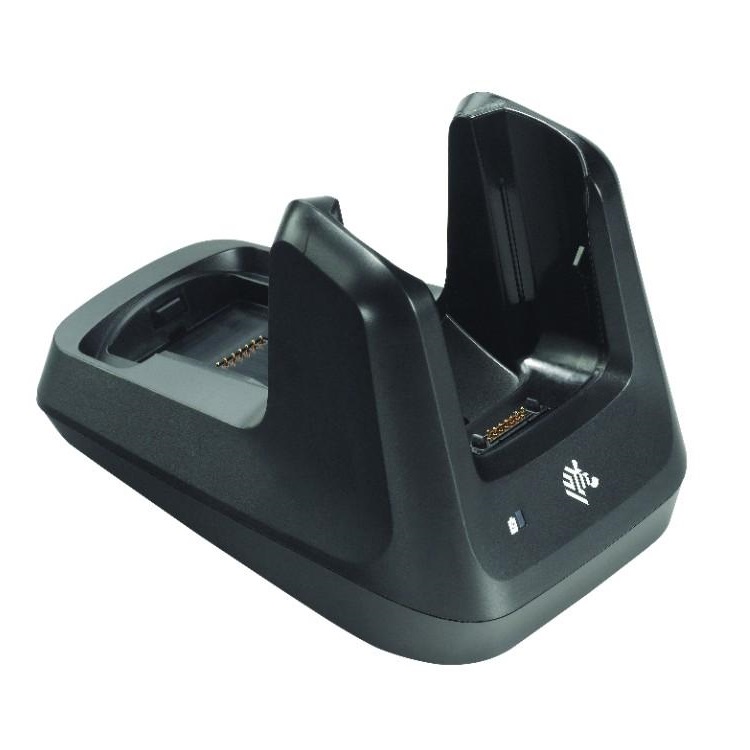
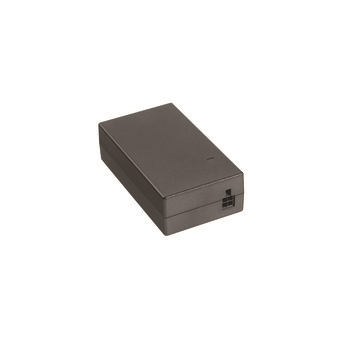
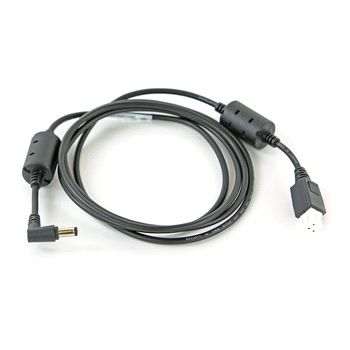
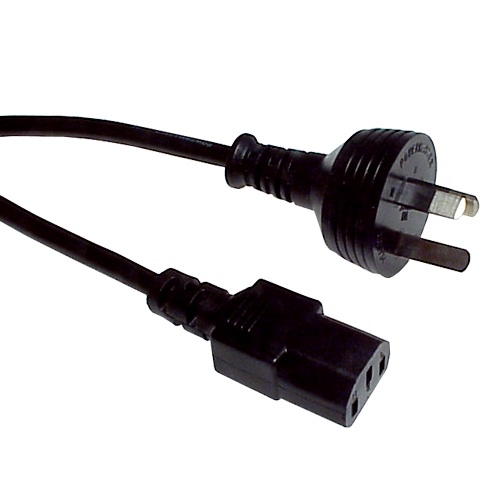
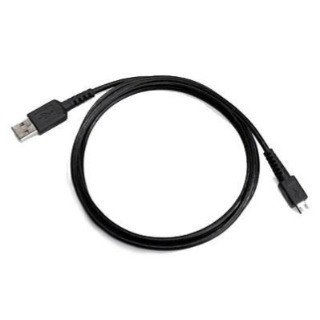
Every kit below includes all six. The two options differ in one part only — the scanner — and each table still lists and prices the lot.
| Part | What it is for | Inc GST |
|---|---|---|
| Zebra MC3401 scanner, standard rangeMC3401-0G1J54SS-A6 | Zebra MC3401 Gun 47 Key 2D-SR 6/64 AD/GMS | $3,989.00 |
| Charge cradle and USB dockCRD-MC33-2SUCHG-01 | Zebra Dock Charge/Comms for MC33/34, 1-Bay | $379.00 |
| Power supplyPWR-BGA12V50W0WW | Zebra Power Supply, 12 Volt/4.16 AMP, 50 Watt for Single Slot Cradle | $99.00 |
| DC cableCBL-DC-388A1-01 | Zebra Cable Power, DC PWR-BGA12V50W, 1-Bay, Battery | $19.00 |
| Power cordCAIEC | Power Cable IEC-C13 (CAIEC) 10A, 1.8M, Black, Australia | $9.00 |
| USB cable25-124330-01R | Zebra Single Slot Cradle to PC/Host USB Cable | $29.00 |
| Spare extended batteryBTRY-MC33-52MA-01 | Zebra Battery for MC33/34, 5200 mAh Lithium Ion | $179.00 |
| Parts separately | $4,703.00 | |
| Kit discount — 9% | −$424.00 | |
| Complete kit | $4,279.00 | |
| Part | What it is for | Inc GST |
|---|---|---|
| Zebra MC3401 scanner, extended rangeMC3401-0G1M54SS-A6 | Zebra MC3401 Gun 47 Key 2D-ER 6/64 AD/GMS | $4,329.00 |
| Charge cradle and USB dockCRD-MC33-2SUCHG-01 | Zebra Dock Charge/Comms for MC33/34, 1-Bay | $379.00 |
| Power supplyPWR-BGA12V50W0WW | Zebra Power Supply, 12 Volt/4.16 AMP, 50 Watt for Single Slot Cradle | $99.00 |
| DC cableCBL-DC-388A1-01 | Zebra Cable Power, DC PWR-BGA12V50W, 1-Bay, Battery | $19.00 |
| Power cordCAIEC | Power Cable IEC-C13 (CAIEC) 10A, 1.8M, Black, Australia | $9.00 |
| USB cable25-124330-01R | Zebra Single Slot Cradle to PC/Host USB Cable | $29.00 |
| Spare extended batteryBTRY-MC33-52MA-01 | Zebra Battery for MC33/34, 5200 mAh Lithium Ion | $179.00 |
| Parts separately | $5,043.00 | |
| Kit discount — 9% | −$454.00 | |
| Complete kit | $4,589.00 | |
Forty-seven keys, and that is the point. Big number keys and a full alphabetic keypad, so a count is typed without looking and a part number can be keyed when a label has been rubbed off. Stocktakes Online has a keypad-first counting screen for exactly this shape of device — bin, part and count on one form, typed and saved, no reaching for a touchscreen with gloves on.
This is hardware. The software is separate. Stocktakes Online is licensed per stocktake, from $110 inc GST — see pricing. Buying a scanner does not include a licence to count with it, and a licence does not include a scanner.
Counting with more than one scanner? Ask us before buying cradles. A multi-bay charger costs less than several single ones and takes up a fraction of the bench, so the kit above is the right answer for one device and the wrong one for five.
On its own, a scan is a beep. What makes a device worth buying is what comes off it — and with Stocktakes Online, nothing comes off the device at all, because it stores nothing. Every scan is a live call to the portal as it is made, checked against your own parts and bin locations.
Totals by bin, by site and by company, live while the count is still running — not assembled afterwards from sheets of paper by somebody with a calculator.
Unscanned parts, unscanned bin locations, and the bins somebody marked as empty. What a clipboard can never tell you is not what you found — it is what nobody ever went and looked at.
Every figure attributable to an operator and a device, with the raw scans still behind it. On screen, printed as a document, or straight into Excel.
Ten reports, and the same three rules behind every figure. See what comes out →
Tell us the aisle widths, whether it is a freezer, how far the operator walks and how many hours a shift. We would rather send a device that fits than the most expensive one in the range.